
Looking for a way to stay hidden while you view content?
Make the smart move and pick Peekviewer, the premier choice for maintaining your digital anonymity.
Try PeekviewerPublished 30 Dec 2025
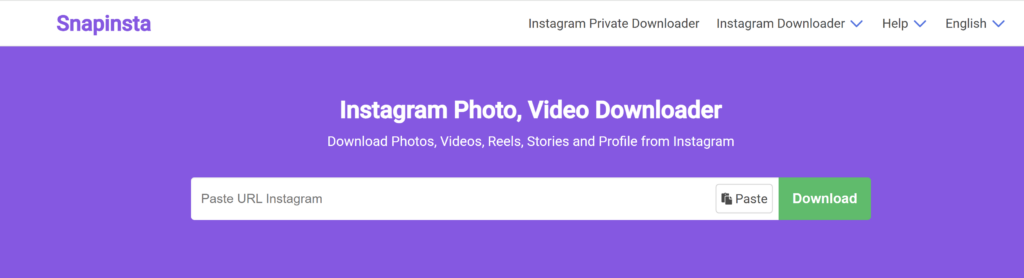
Have you heard about the SnapInsta private downloader? One of the main reasons people use it is because it lets you download Instagram content in really high quality.So if you want to keep sharp, clear versions of your favorite posts, it sounds like a great option.
But as Instagram’s popularity soars, the real questions are: Is SnapInsta safe to use? Is it truly free and easy? And can it even pull content from private accounts? In this review, we’ll dive into how SnapInsta works, what it does well, where it falls short, and whether it’s the right tool for your Instagram downloading needs.
Make the smart move and pick Peekviewer, the premier choice for maintaining your digital anonymity.
Try PeekviewerSnapInsta is a free tool that lets you download Instagram content—like photos, videos, reels, stories, and IGTV posts—directly to your phone or computer. You don’t need to download SnapInsta app to use it. What makes this tool stand out is the option to pick the quality and size of what you’re saving. You can download in Full HD, 1080p, 2K, or even 4K, so everything looks sharp and clear. It also supports downloading all content from any Instagram profile.
| Pros | Cons |
| This instagram tool doesn’t charge anything to use its services. | This tool doesn’t let you browse or download from private profiles. |
| You can choose the size and quality of your download—options include Full HD, 1080p, 2K, and 4K | On phones, this app works best in Safari, which might not be ideal for users using other browsers. |
| Download photos, reels, videos, IGTV posts, and stories. | The site is filled with ads, some of which can be intrusive or distracting. |
| You don’t need to download the SnapInsta app to use it—everything works directly from your browser. | It’s not as fast as it should be—downloads can sometimes lag or take longer than expected. |
| No official customer support or help center is available if something goes wrong. | |
| It doesn’t offer any features to organize or manage your downloaded files. |
SnapInsta is often called a private Instagram downloader because it can download content from private accounts. But there’s a catch—you already need to follow the account and have access to the post. You can’t just enter a username; you have to copy and paste the direct link to the post.
With SnapInsta’s Instagram video downloader, you can save videos from the platform in just a few clicks. This includes regular video posts and IGTV. You can even choose the quality—like 1080p, 2K, or 4K—so the video looks as good as the original.
Need a clean version of an Instagram photo? SnapInsta’s photo downloader lets you do that quickly. Just paste the photo link, pick the quality, and download it straight to your device.
SnapInsta also works great as a Reels downloader. If you find a short video you love, you can use SnapInsta download to save it in high quality and watch it offline or share it with friends.
With the Stories downloader, you can save Instagram Stories that normally disappear after 24 hours. If you can view the Story and have the link, SnapInsta lets you download and keep it permanently.
SnapInsta lets you download multiple posts from a public profile using the profile downloader feature. While you’ll need to copy and paste each post link, it supports all content types—photos, videos, Reels, and more.
No, it doesn’t really work for private accounts. SnapInsta is fine for downloading from public profiles, but if the account is private—even if you follow it—you’ll need to copy the post link, and most of the time it still doesn’t work.
There are too many steps, and users often say the tool fails to download anything. So, if you’re hoping to save content from private Instagram accounts, SnapInsta isn’t the right choice.
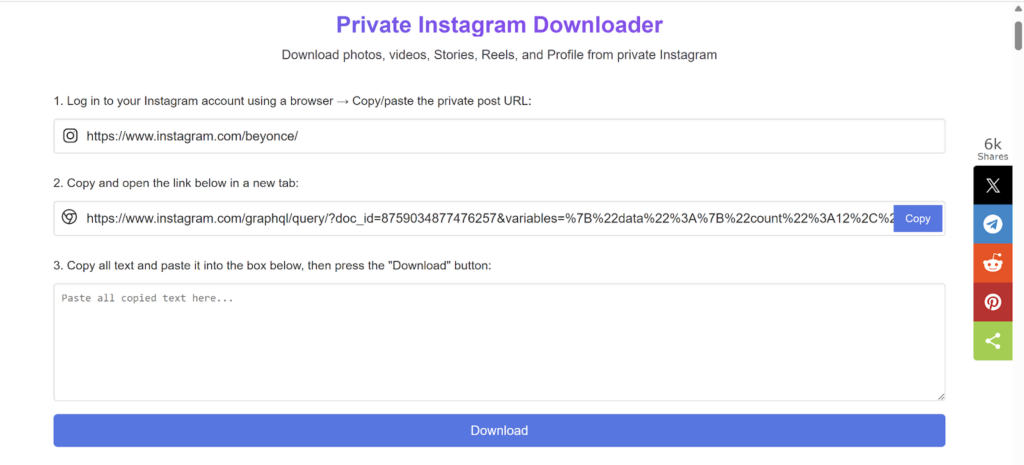
Many people say SnapInsta gives you high-quality downloads, which is great. But it’s not very simple to use—it takes extra steps, and the process can be confusing. Also, it doesn’t work for private accounts, even if you follow them. So, it’s mostly helpful for public Instagram posts.
I wanted to SnapInsta download some photos and videos from a private Instagram account—a local photographer I follow for inspiration. I tried SnapInsta, but it wasn’t easy. I had to log in on a browser, copy the post link, and go through a bunch of steps. It worked fine for public posts, but when I tried to download from the private account, it didn’t work at all. Luckily, it’s free, so I didn’t waste any money
The best thing about SnapInsta is that it’s totally free. You don’t have to sign up, pay anything, or download any apps.
Yes, SnapInsta is a real tool that lots of people use to download public Instagram content.It works well for that, and you don’t even need to install the SnapInsta app—you can use it directly in your browser. But if you’re trying to download from private accounts, it’s not very reliable.
SnapInsta might seem safe at first, but it does come with some risks. To use it—especially from an IPhone —you have to log into your Instagram account through a browser like Safari and copy links, which isn’t ideal. There are also lots of annoying ads that can lead to sketchy pages. So no, it’s not fully safe.

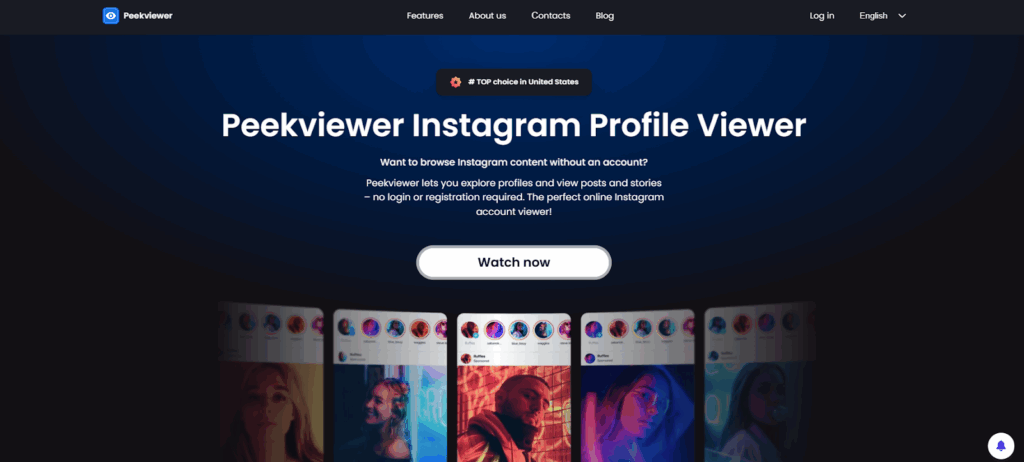
If you don’t want to install extra browsers or log into your Instagram just to copy a link, Peekviewer might be a better choice. There’s nothing to download, no complicated steps, and your privacy stays protected. You don’t need to use your Instagram account at all—so even if you’ve deleted or deactivated it, you can still view content.
This private story viewer also lets you see full Instagram profiles anonymously, including stories, posts, followers, and more.Plus, unlike SnapInsta private downloader, Peekviewer works with private accounts—even ones that have blocked you.
SnapInsta private downloader is good for downloading public Instagram content in high quality and it’s completely free. However, it can be a bit tricky to use—especially on mobile, where it works best with browsers like Safari. While it doesn’t support private accounts and isn’t the fastest option out there, it still gets the job done for most public posts.
If you’re after something simpler, Peekviewer could be the better choice.You don’t need to log in, install anything, or deal with extra steps. It lets you download high-quality photos and videos, and even lets you view likes, followers, and stories from private accounts—all completely anonymously.


Trying to view a private Instagram profile without sending a follow request? You’re not alone. Every month, millions of people search for an anonymous Instagram profile viewer — whether they want to check in on an ex who suddenly went private, keep an eye on what their kid is being tagged in, or simply browse...

Want to view tagged photos on someone’s Instagram — without following them, without logging in, and without showing up anywhere on their radar? That’s exactly what an Instagram tagged photos viewer is built for. The problem is that Instagram itself is stingy about this. Even on public profiles, tagged photos can be hidden, removed, or...
You’ve probably seen FollowSpy pop up somewhere — it’s hard to miss. A 4.95 rating, 25,597 reviews, and a live feed of people supposedly signing up in real time scrolling down the homepage. The branding is clean, the claims are bold, and on TikTok it’s been called the number one story viewer and tracker. But...